








Private by architecture
Not a policy promise - files physically can't reach us.
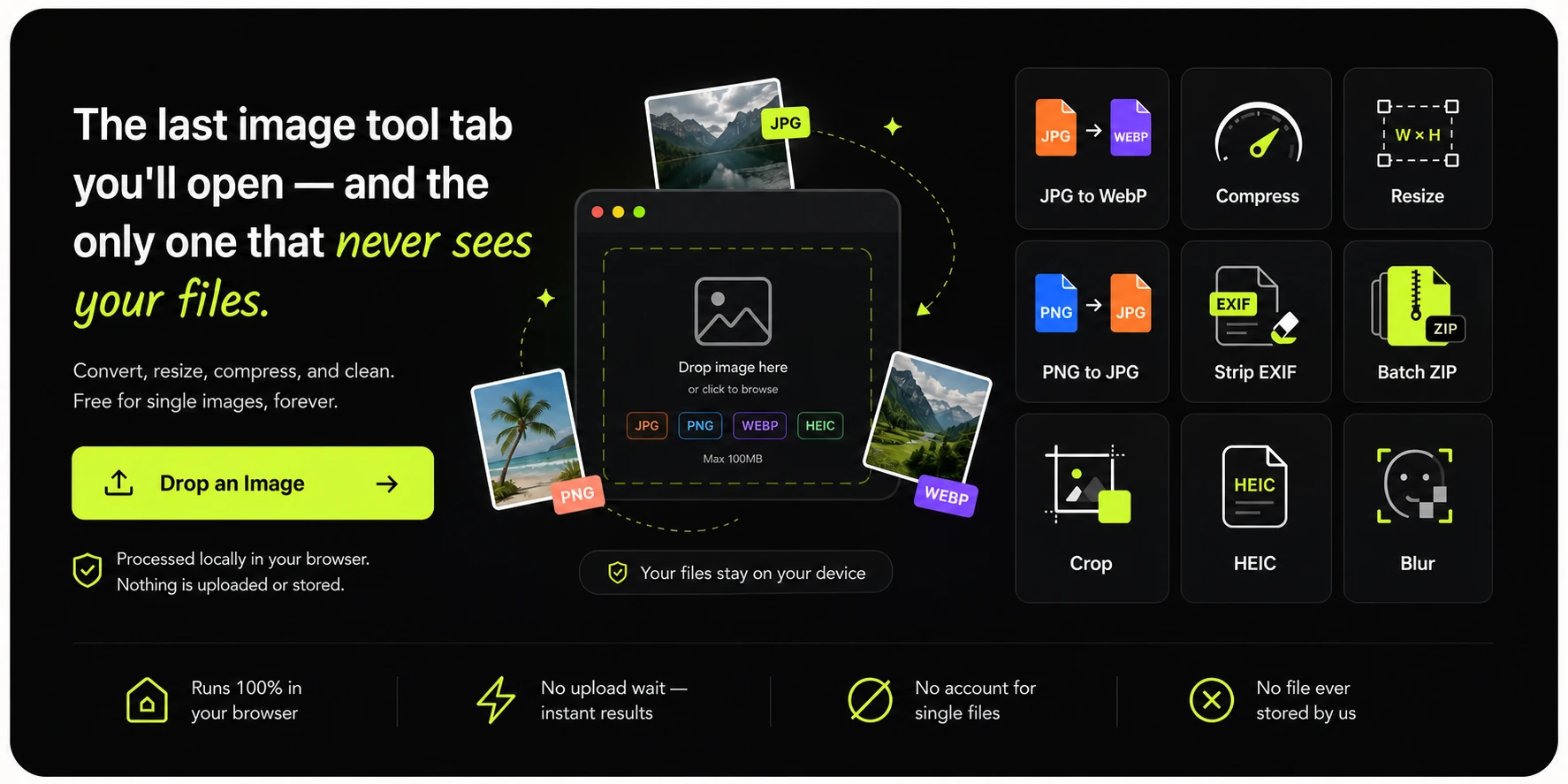
Convert, resize, and compress images entirely in your browser. Your files never touch a server - there is nothing for anyone to store, scan, or leak.
Free forever: one image at a time.
Pro: batch a whole folder.
or click to browse — pasting a screenshot works too
JPG, PNG, WEBP up to 25MB · select multiple files with ProNeed something else for this image? ResizeCompressCropClean metadata
Processed locally in your browser - this image never leaves your device. Need a whole folder? Pro adds batch processing and ZIP export.
Every file is processed locally, one after another. The ZIP is assembled in your browser too - nothing uploads.
 Runs 100% in your browser
  No account for single files
  No upload wait, instant results
  No file ever stored by us
 Change any supported image into the format you need - right in your browser.
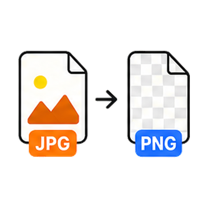
Get lossless PNGs from any JPG.
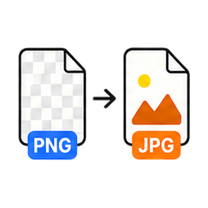
Flatten PNGs into small, shareable JPGs.
Shrink photos for the web without visible quality loss.
Keep transparency, lose the file size.
Make WebP files open anywhere - old apps, email, print shops.
Universal compatibility with transparency intact.
Exact pixels, percentages, or social presets. Sharp results.
Hit a smaller file size with a live before/after readout.
Make PNG files smaller without changing a single pixel.
Remove vector-file bloat while keeping the artwork scalable.
Cut a sprite sheet into exact tiles and download one ZIP.
Convert AVIF, JPG, PNG, and WebP with a local WASM codec.
Extract editable text from screenshots and scans on your device.
Place movable, outlined text on any image and export PNG.
Arrange multiple photos into a clean grid or strip locally.
Turn a plain screenshot into a polished, shareable visual.
Place any screenshot inside a clean browser window.
Present screenshots inside responsive device frames.
Add arrows, lines, shapes, and redaction marks to screenshots.
Design polished social graphics from screenshots, images, and text.
Animate screenshots, mockups, text, and layered social graphics.
Turn a public X or Twitter post into a shareable image.
Turn a code snippet into a sharp, shareable image.
Generate responsive sizes, a ZIP, and ready-to-use srcset markup.
Turn one logo into a complete favicon and app-icon package.
Inspect and change print-resolution metadata without resizing pixels.
Compare two images with a slider, overlay, and pixel-difference map.
Add exact spacing, borders, background color, and rounded corners.
Click any pixel to identify its exact HEX, RGB, and HSL color.
Turn an image into a clean, reusable color palette.
Permanently cover sensitive text and details before sharing.
Encode an image as a data URL, raw Base64, CSS, or HTML.
Validate, preview, and download Base64 image data.
Strip GPS location, device info, and hidden EXIF data before you share.
Fix sideways photos and flip images in one click.
Open iPhone photos anywhere, no cloud converter needed.
Turn every PDF page into a crisp PNG or JPG.
Freeform and fixed-ratio crops with a precise pixel readout.
Cut the subject out of any photo - the AI runs in your browser.
See exactly what your photos are carrying.
Turn any image into a clean, shareable PDF.
Blur faces, plates, and screens before an image leaves your device.
Preview and rename batches of images and files without uploading them.
Queue a folder, process every file locally, download one ZIP.
Tell us what you'd batch next - top requests ship first.
Every tool works free on single images, no account needed. Pro unlocks batch queues, ZIP export, and bigger files.
Your file stays on your device. GenClean runs everything in your browser and saves results directly to Downloads. No uploads. No storage. No traces.
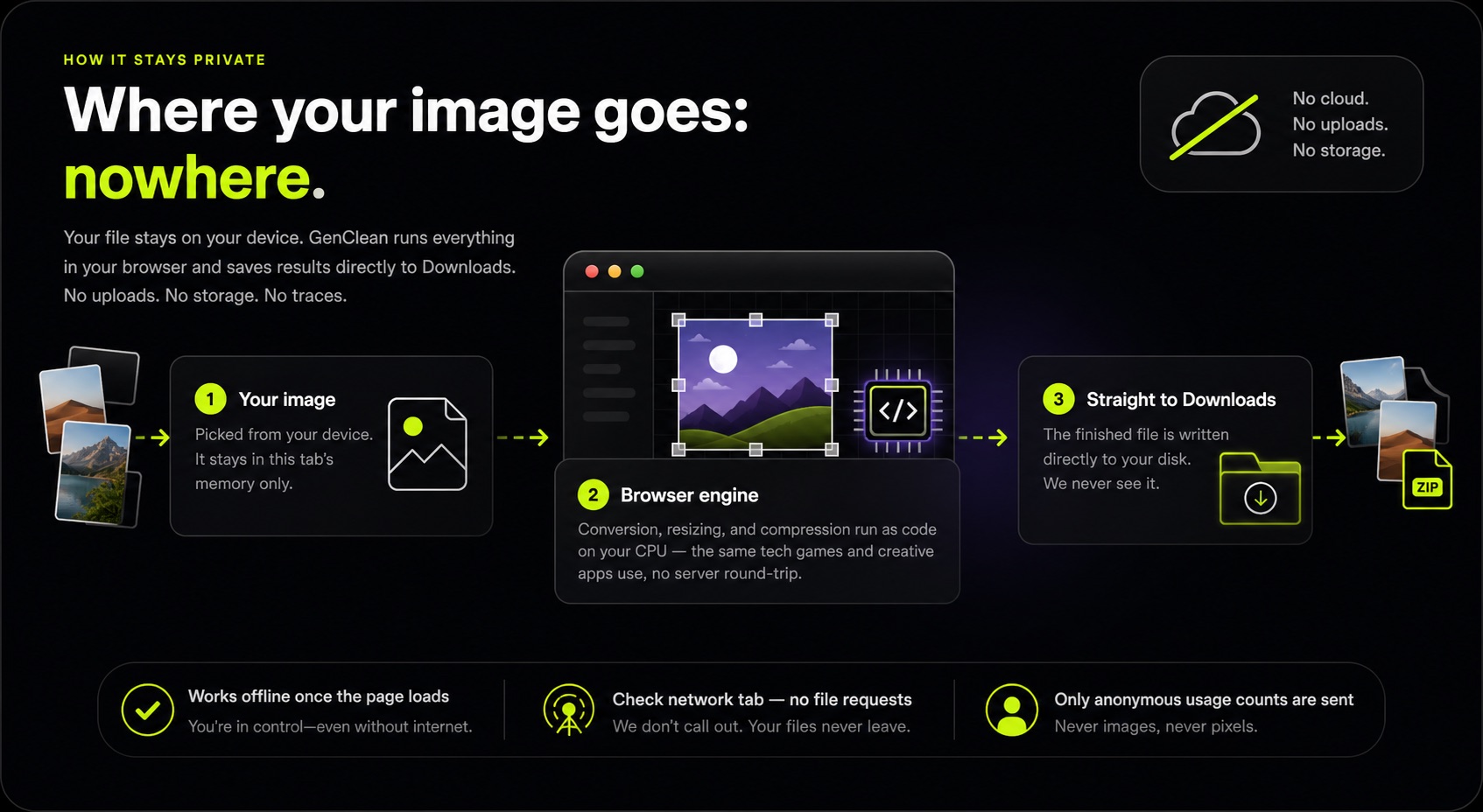
Not a policy promise - files physically can't reach us.
No upload bar, no queue. Processing starts the instant you drop.

Live previews and real quality sliders on every export.

Convert, resize, compress, and clean without switching sites.
Single-image tools stay free. Pro is for the days you have forty files, not four - pay once and batch everything.
No. Tools run in your browser using local processing. Your files never leave your device - the page loads the tool, and everything after that happens on your machine.
Every tool is free for single images - unlimited, no daily caps, no account. Pro is a one-time $9 purchase that unlocks batch queues, ZIP export, bigger files, and removes ads.
Yes. Everything runs in a modern mobile browser, and processing speed depends on your device - most photos finish in under a second.
JPG, PNG, and WebP today, with HEIC, AVIF, TIFF, and PDF conversions on the roadmap. Pro purchases include every future tool.
Convert, resize, compress, and clean. Free for single images, forever.
Drop an Image